
For embroidery shops
Stop sending designs as photos of your screen.
Upload your DST. Send a design card drawn thread by thread, with real size and stitch count, straight to WhatsApp.
Upload your DST, get your design card instantlyEarly access · Free · Design card in seconds
Photo to design
A stitchable design from the photo your customer sent, in about a minute. You choose the size, number of colours and fill type.
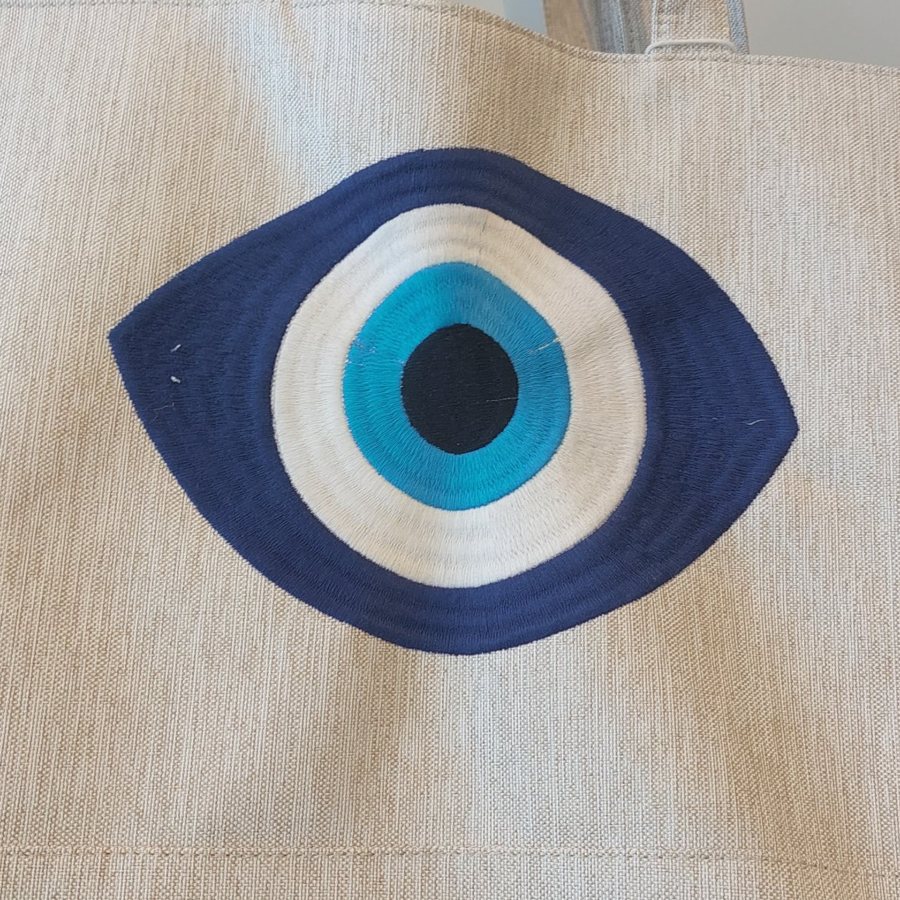
The image your customer sent; select the motif with a frame.
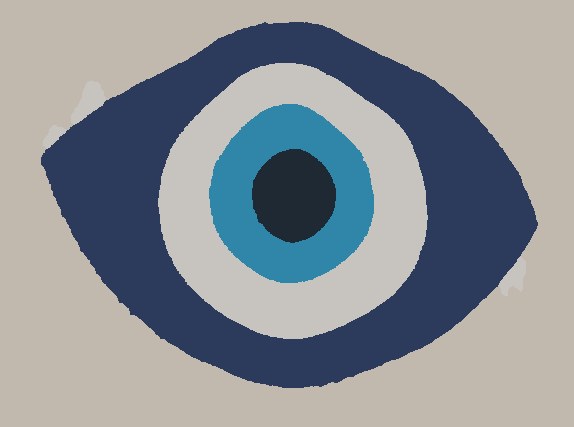
Mizen ilmex separates the fabric and reduces colours to your thread count.
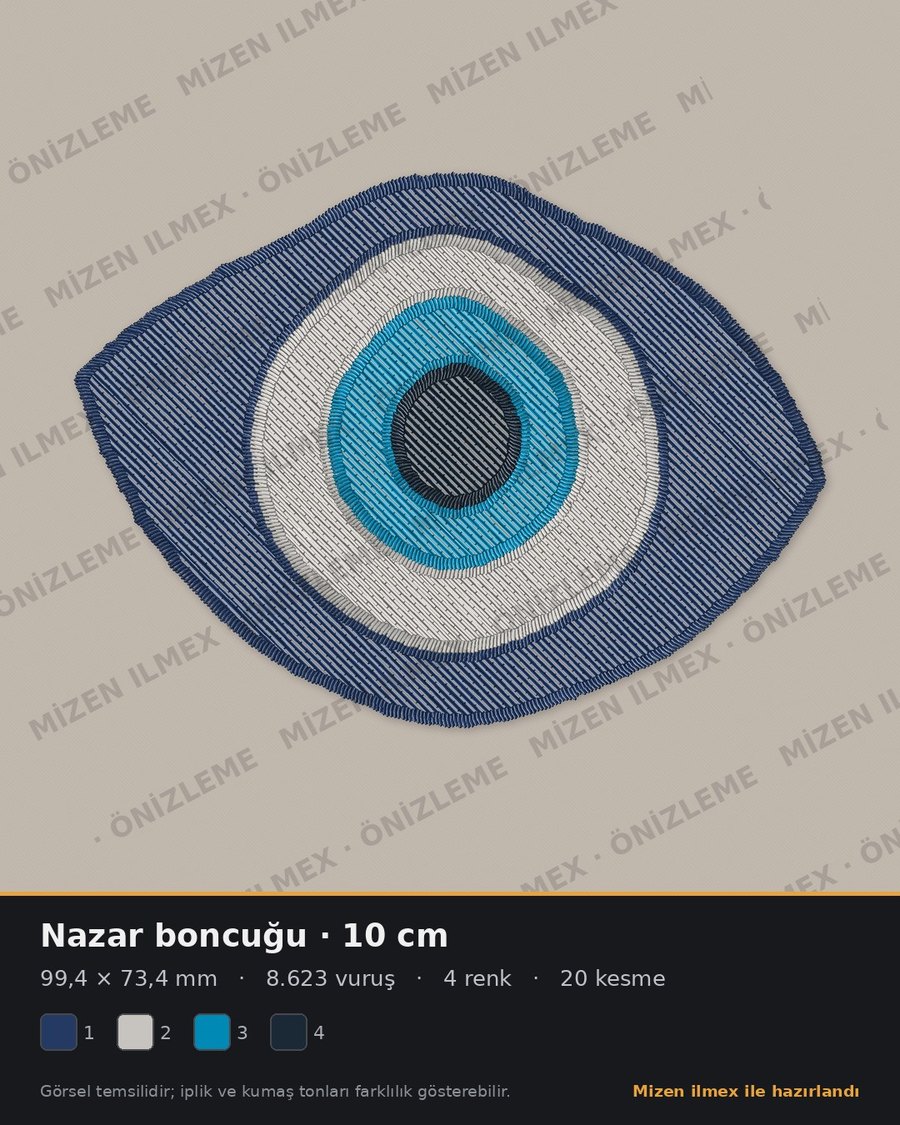
With stitch count, size, colours and run time; machine-ready.
Beta: results are automatic; complex designs may need fine-tuning.
See the difference
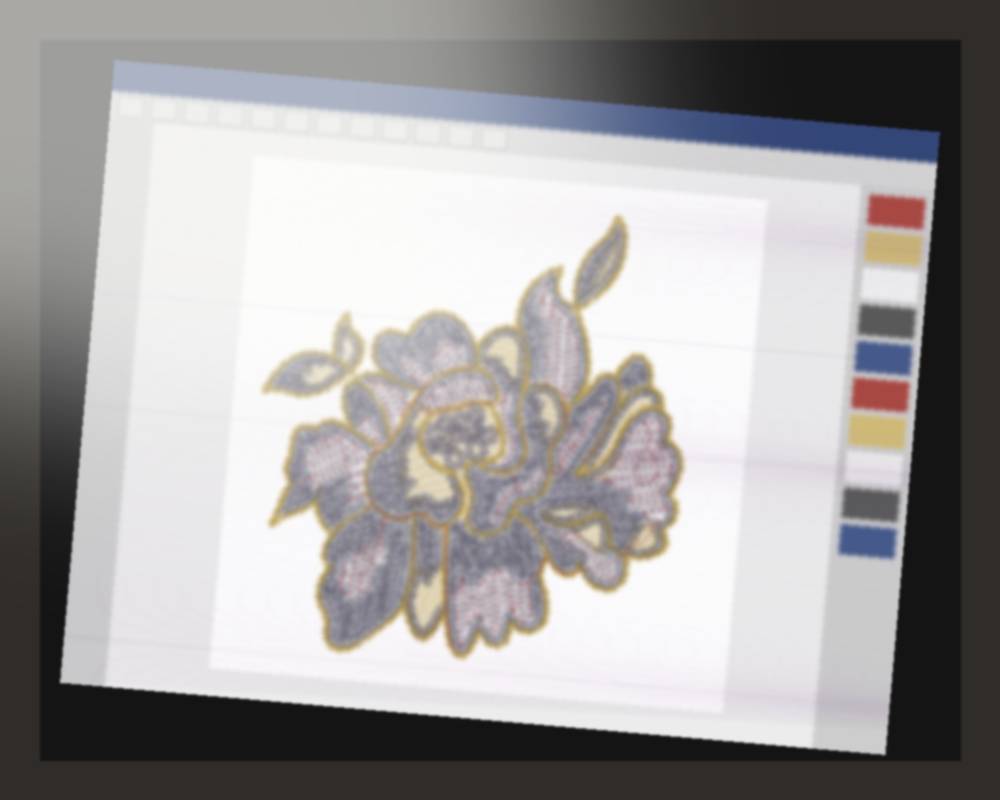
A phone photo of a monitor: blurry, glare, no scale.
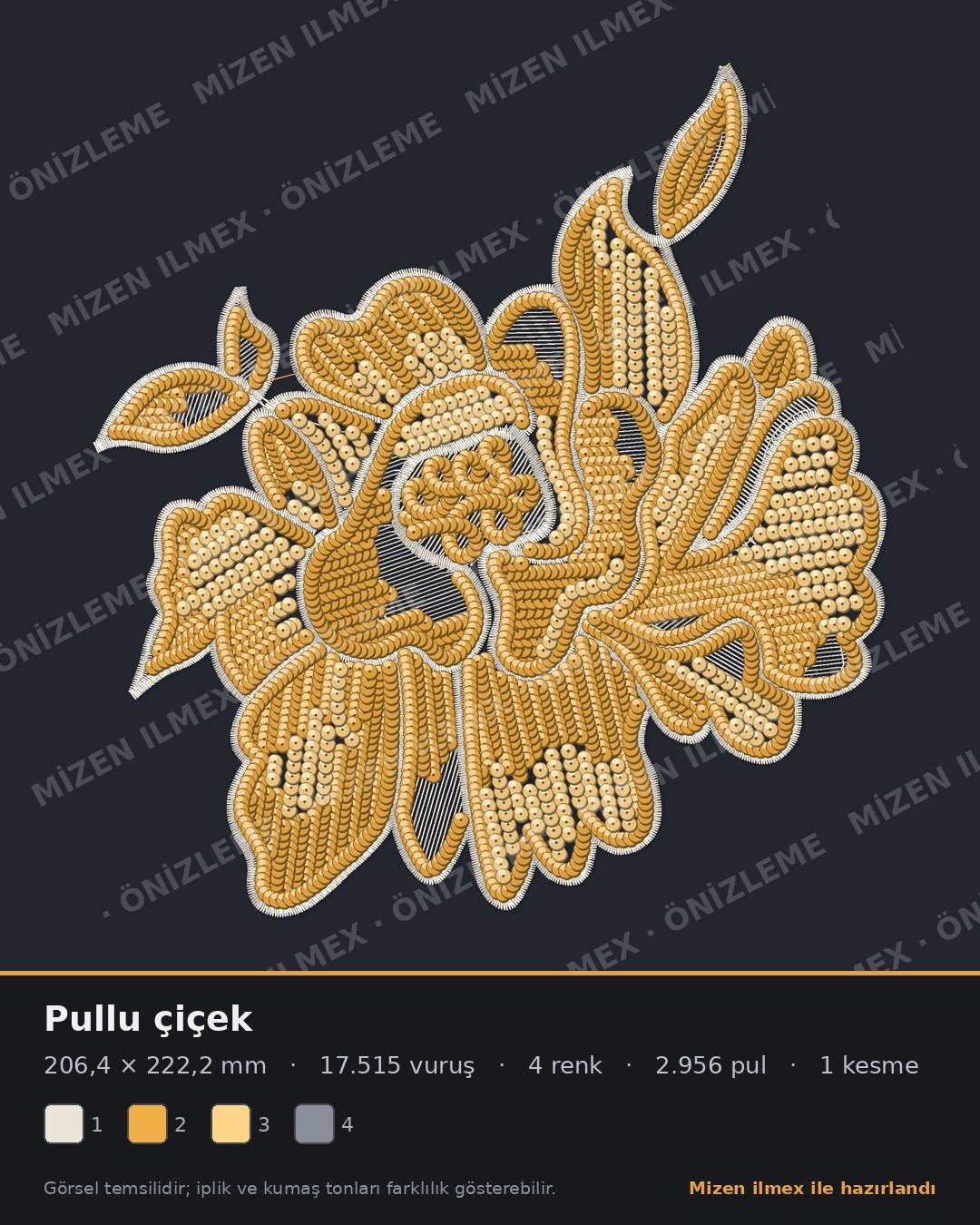
Real thread look, sequins, size, stitch count and colours. In one image.
How it works
Drop your DST
Whatever software created it, a DST is all we need.
Pick thread colours
DST files carry no colours; choose your threads and fabric.
Send the design card
A watermarked design card, ready to share. Faster approvals from customers.
What’s on the design card?
Real size
Width and height in millimetres.
Stitch & sequin count
Ready for quoting.
Colour order
Thread colours in needle order.
Watermark
Protects your design.
Get your free design card
Leave your details and upload your DST; your design card gets ready while you answer a few questions.
Get your free design file from a photo
Leave your details, then upload your photo; your design file is ready in about a minute.
What’s next
Preview is the first step. Together with workshops we are building:
Name tape tool
Type a name and the tape is digitized instantly. Size, corner radius, border, fill and font are yours to set. Turn a list of thousands of names into DST files in one go instead of drawing each by hand.
Cross-stitch automation
Image to cross-stitch design; a day and a half of manual work in seconds.
DST to editable design
Turn old DST files back into editable objects.
Production sheet & quote
Price, thread length and time from stitch count.
Photo to design
A stitchable design from the photo your customer sent, in about a minute. You choose the size, number of colours and fill type.
The image your customer sent; select the motif with a frame.
Mizen ilmex separates the fabric and reduces colours to your thread count.
With stitch count, size, colours and run time; machine-ready.
Beta: results are automatic; complex designs may need fine-tuning.
FAQ
Is it free?
Design cards are free during early access. Later there will be a free starter tier and affordable monthly plans.
Is my design safe?
Your file is used only to create your card and never shared with third parties.
Do I need to switch software?
No. Keep digitizing as you do; a DST export is enough.
Can I add my logo?
Yes. Paid plans show your own shop name and logo on cards.
Send us the next photo.
Try it free; your design is ready in about a minute.